The fastest way to ruin coloring time is handing a kid a page that does not match their skill level. Most kids will not say, "This is too detailed for me." They will say, "I'm bored," and walk away.
Use this guide to match pages to ages without guessing.
The three cues that matter most
You can predict success by looking at three things before a kid starts.
1) Region size
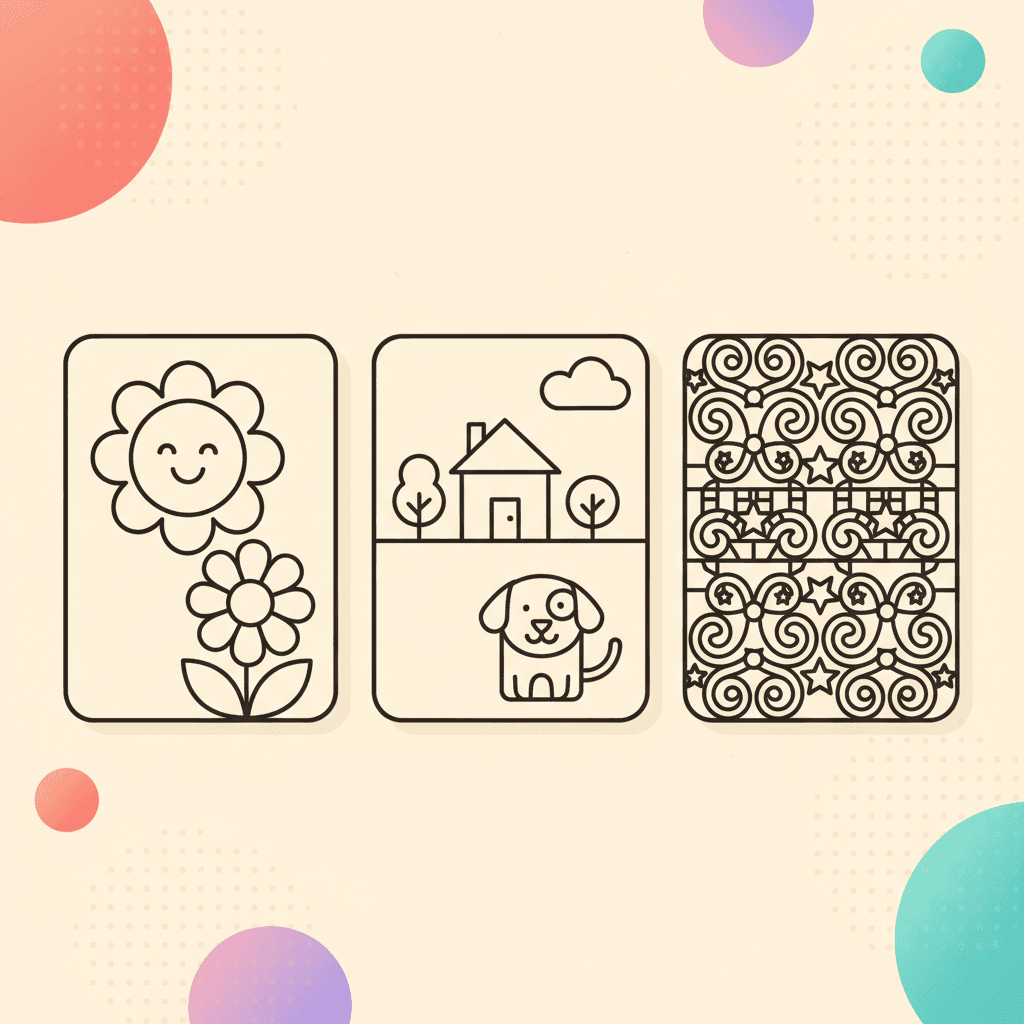
Bigger regions are easier to fill. Tiny regions are where kids get stuck, especially without a sharp pencil.
2) Line density
Dense lines create decision fatigue. A page with lots of small shapes can feel like homework.
3) Recognizable subject matter
Kids color longer when they care about the subject. A page that matches their interest can handle more detail than a random page.
Ages 3 to 5: big regions, simple subjects
Look for:
- one main subject (one animal, one vehicle)
- big open spaces
- fewer small details
Good themes:
Avoid pages with tiny background patterns. Small regions turn into frustration.
What success looks like:
- they start in under 30 seconds
- they color the same area for a few minutes
- they finish one big section and feel proud
If a child in this age range keeps quitting, do not assume they dislike coloring. Try a simpler page in the same theme first.
Ages 6 to 8: scenes and simple stories
Kids in this range often enjoy pages that feel like a scene:
- a dinosaur in a setting
- a rocket near planets
- a city street with a few objects
Good themes:
Tip: ask for a plan before they start. "What will you color first?" A plan reduces mid-page quitting.
What to look for:
- 2 to 5 main objects (not 15 tiny ones)
- a background that can be one color if needed
- clear, closed shapes that are easy to fill
If your kid wants a page that feels "hard," keep the page and change the goal:
- color the main character only
- leave the background blank
- save the rest for later
Ages 9 to 12: detail without overload
Older kids want complexity, but not chaos.
Look for:
- smaller regions with clear boundaries
- repeated patterns (fun to fill)
- a main subject plus a background
Good themes:
If a page looks intimidating, split it into two sessions. Save the work and finish later.
What to look for:
- repeated patterns that are satisfying to fill
- a clear subject plus an optional background
- enough structure that the page does not feel random
If an older kid keeps restarting, it is often a color-choice problem. A simple palette reduces second-guessing:
Mixed ages: pick one theme, vary the difficulty
In classrooms and families, mixed ages are the default.
Use one shared theme so kids feel included:
- "Everyone picks an animal."
- "Everyone picks a holiday page."
- "Everyone picks a vehicle."
Then let each kid pick their own complexity level inside that theme.
Start with:
Signs the page is the wrong match
These signs show up quickly.
- The kid asks for help every few seconds.
- They spend more time choosing colors than coloring.
- They scribble hard and leave the page.
- They restart multiple times without finishing one section.
When you see this, change the page, not the kid.
How to rescue a page without switching it
If your kid is attached to the theme, you can still make the session easier.
- Set a shorter timer (6 to 8 minutes).
- Use a three-color limit.
- Pick one area to finish ("only the character" or "only the sky").
- Save and stop on purpose before frustration hits.
This quick routine helps you keep starts and stops predictable:
Use digital tools to make harder pages easier
If you are coloring online, you can make a slightly harder page work:
- zoom in for small regions
- undo when a choice feels wrong
- save and finish later instead of pushing through
That is often enough to turn a "too hard" page into a good match.
If you are printing, the same idea applies: pick a page with bigger regions and fewer tiny details, then set a short timer.
A quick fit test
Before you hand over a page, do this 5-second check:
- Can the kid name what the picture is right away?
- Are there at least five spaces large enough to fill comfortably?
- Does the page have one obvious "main" area to start with?
If the answer is "yes," you have a strong pick.