
 ColorDojo for Chrome + Firefox
Color picker Chrome extension
Turn any color on your screen into production-ready code without breaking focus. ColorDojo is a private color picker Chrome extension that keeps the pick, finds its Tailwind match, and checks contrast before review, with an in-page loupe for Firefox.
Stay in flow
Turn a color you see into a usable value without taking a screenshot or opening another app.
Stop reformatting by hand
Copy the format your codebase expects instead of bouncing through converter tabs.
Finish the decision
Resolve the token and contrast before handoff, while changes are still cheap.
One shortcut, not six tabs
Turn a screen color into usable code in three steps
The slow path is familiar: take a screenshot, open an editor, sample the pixel, convert the value, search your tokens, then check contrast. ColorDojo collapses that chain into one pick.
- 1
Install once, keep your workflow
Add ColorDojo to desktop Chrome 127 or Firefox 140 and newer. There is no account, upload, or migration to complete.
- 2
Pick without breaking focus
Press Alt+P, then use the native screen eyedropper in Chrome or the in-page loupe in Firefox.
- 3
Leave with a decision, not a hex code
Copy the right format, use the nearest Tailwind token, confirm contrast, and save the context for later.
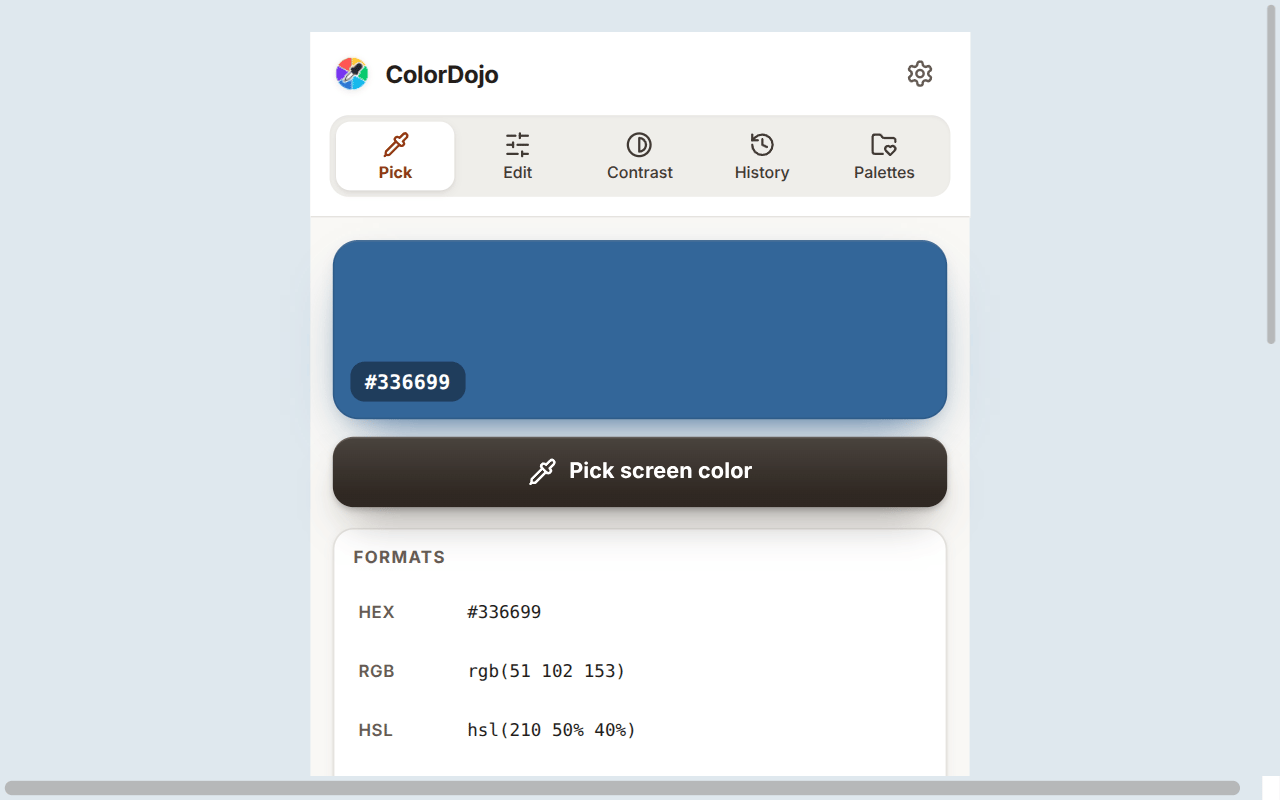
One decision, carried forward
Do the color work once
A raw hex value pushes the real work downstream. ColorDojo keeps the token match, accessibility check, and palette context with the pick so you can settle the decision before it becomes review feedback.
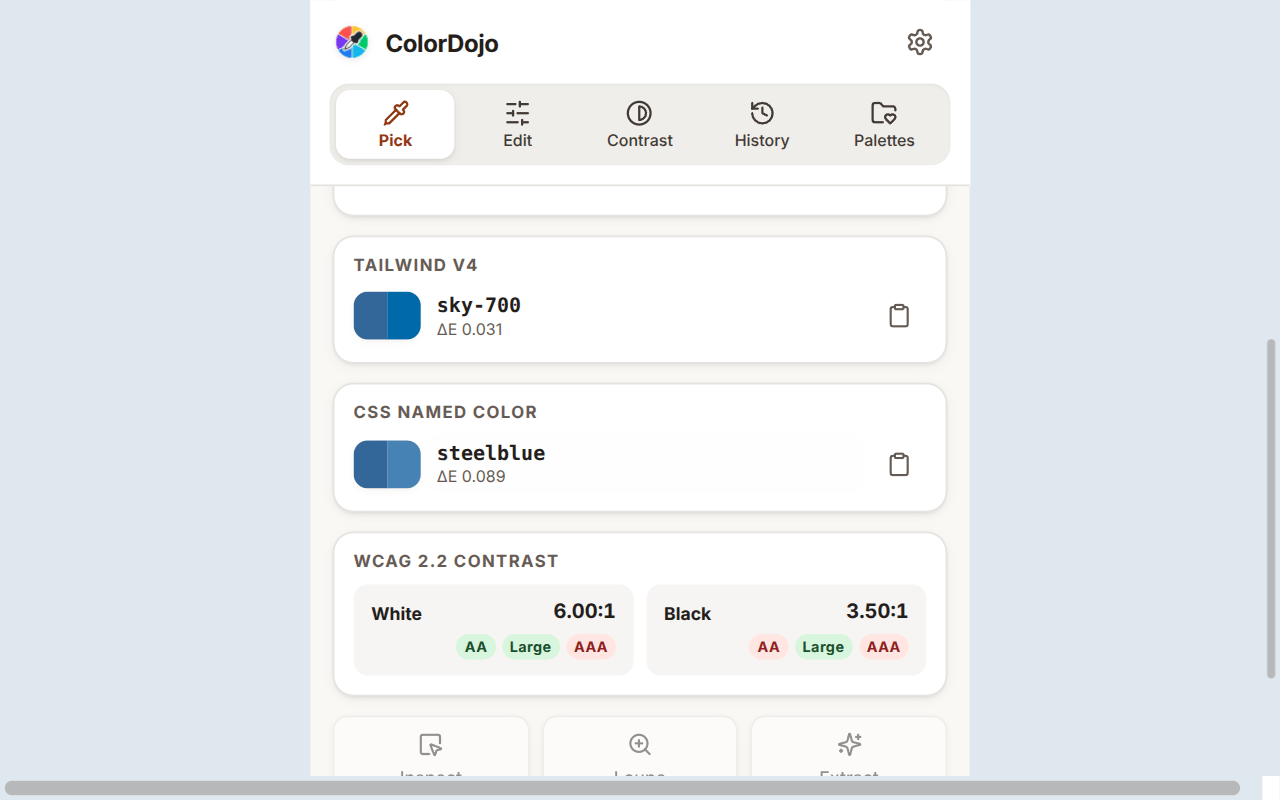
Stay consistent with the system
Use the nearest Tailwind CSS v4 token instead of introducing another almost-the-same blue.

Catch contrast issues before review
Test the actual pair and find a passing direction before QA sends it back.
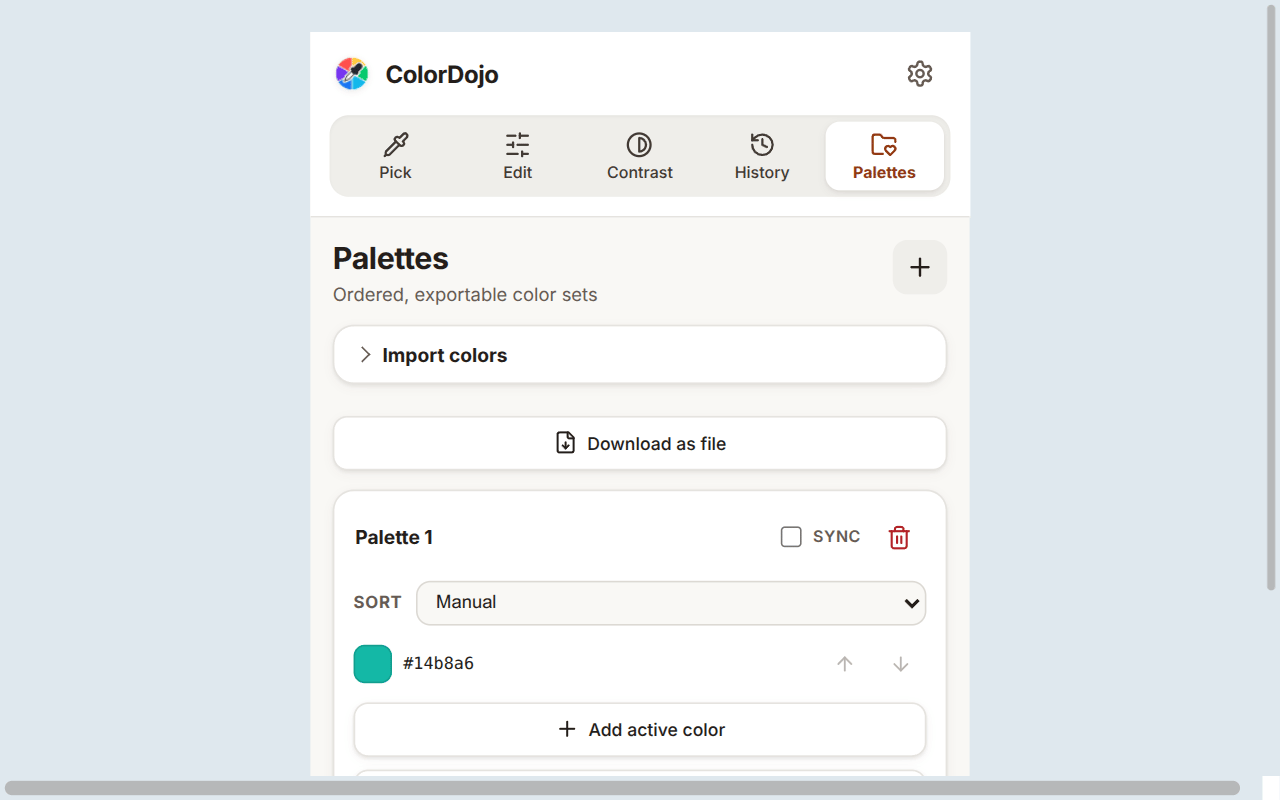
Give the next person reusable context
Share a palette or code-ready export instead of a screenshot or chat message.
Adopt it without the anxiety
A small utility, not another data vendor
No account, no uploads, and no permanent access to every site. Add ColorDojo without introducing another cloud dashboard or browsing-data pipeline to review.
Nothing goes to us
No page content, picked colors, or activity is sent to ColorDojo servers.
Page access waits for you
ColorDojo receives temporary active-tab access only after you trigger an action.
Chrome keeps your work
Picks stay local. Chrome Sync handles settings and only palettes you choose to sync.
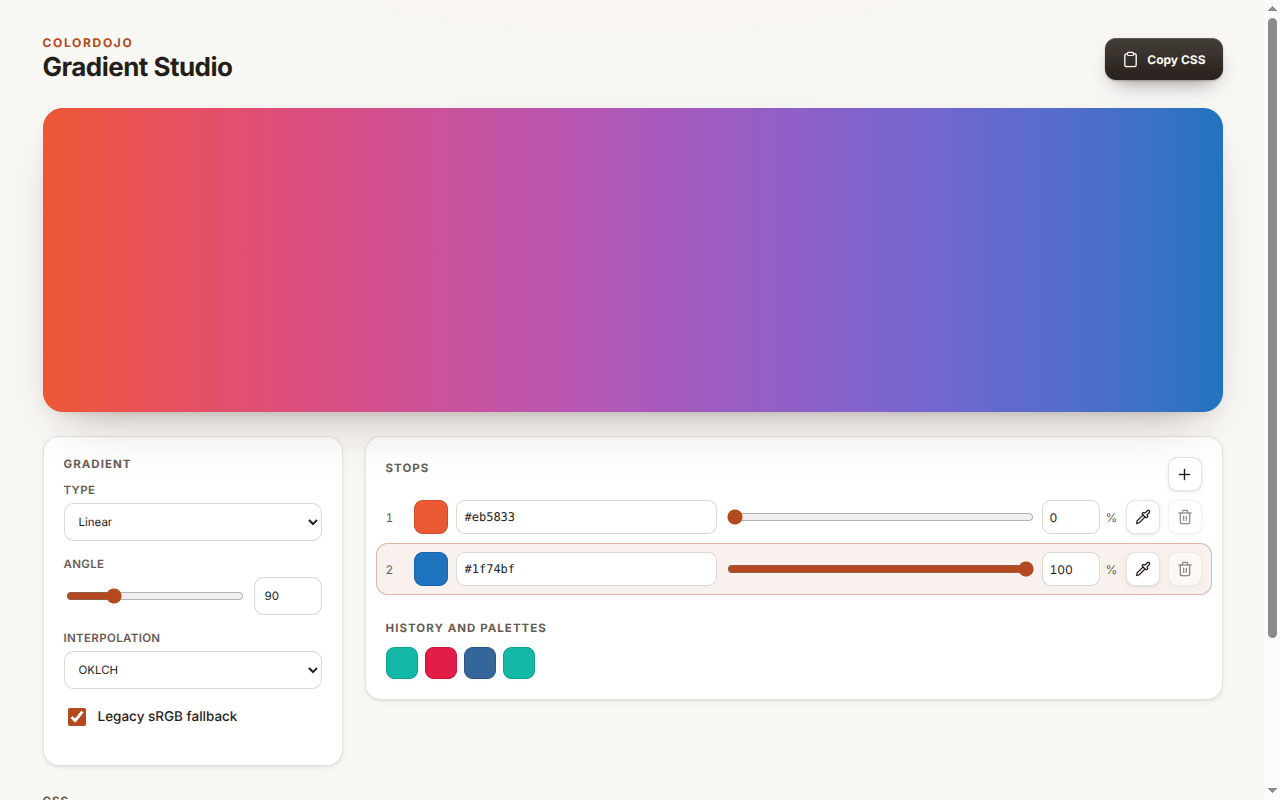
From inspiration to handoff
Turn a live interface into a reusable starting system
Instead of rebuilding a page's colors one by one, trigger extraction on the active tab, group near-duplicates, and leave with a palette your codebase can use.
- Start with a clean, perceptually grouped palette
- Export CSS variables, Tailwind @theme, or W3C Design Tokens
- Build production gradients with a legacy sRGB fallback
Protect your focus
Stop turning every color pick into a mini-project
DevTools is excellent when you are already editing the exact declaration. A color picker extension earns its place when the color is only on screen and the work still includes saving it, matching it, checking it, and handing it off.
| Workflow | Chrome DevTools | ColorDojo |
|---|---|---|
| Get the color | Open DevTools and start from an existing CSS color declaration | Press Alt+P and choose any visible pixel |
| Reuse it later | Copy the value somewhere before the panel closes | Return to searchable history with source sites and pinned colors |
| Keep it consistent | Look up the design-system match separately | Use the closest Tailwind CSS v4 token with perceptual delta |
| Prevent contrast rework | Check the text and background pair DevTools detects | Test any two saved colors with WCAG 2.2 and advisory APCA |
| Hand it off | Share a single copied CSS value | Export CSS variables, Tailwind @theme, W3C tokens, or a plain list |
Keep the tools you already use
Color picker Chrome extension questions
What does the ColorDojo color picker Chrome extension do?
ColorDojo turns a color you see into a production-ready decision: the exact value, your preferred CSS format, closest Tailwind CSS v4 token, contrast result, and a saved record you can reuse. That removes the usual screenshot, converter, token lookup, and contrast-checking detour.
How do I use a color picker extension in Chrome?
Install and pin ColorDojo, press Alt+P, then select the pixel you want. There is no account to create, image to upload, or existing workflow to migrate. Your picked color opens with the next useful actions ready.
Does ColorDojo work in Firefox?
Yes. ColorDojo supports Firefox 140 and newer. Firefox does not provide Chromium's native whole-screen EyeDropper API, so ColorDojo automatically uses its in-page 16x loupe for single-pixel, block-average, and dragged-area sampling.
Will ColorDojo replace my current design or development tools?
No. Keep using DevTools, your design tools, and your existing design system. ColorDojo handles the gap between seeing a color and making it usable, so you can add it without changing the rest of your workflow.
Can ColorDojo pick a color outside the browser?
Yes where Chromium provides its native EyeDropper API. When you are working inside a page, ColorDojo also provides a 16x loupe for exact single-pixel, block-average, and dragged-area sampling.
Does the extension send my browsing data anywhere?
No. ColorDojo makes zero runtime network requests and has no all-sites host permission. Firefox keeps extension data local. Chrome keeps picked-color history local; settings and only palettes you mark for sync can use Chrome Sync.
Can it extract a website color palette?
Yes. Trigger extraction on the active tab and ColorDojo turns the page into a cleaner starting palette by grouping near-duplicate colors. Export the result as CSS variables, Tailwind v4, W3C Design Tokens JSON, or a plain color list.

Pick a color. Put it straight into your code.
Copy the value your codebase expects, use the closest token, and check contrast without an account, upload, or extra workflow.