A coloring station fails when it needs constant teacher attention. Your goal is a station that kids can start, use, and clean up with one set of rules.
This guide gives you a setup that works for:
- centers
- early finishers
- indoor recess
- calm-down corners
Set the station goal (so it does not grow into chaos)
A coloring station can be:
- a quiet independent task
- a short reset activity
- an early finisher option that does not need you
Pick one goal and design around it. If the station is trying to do everything, it usually does nothing well.
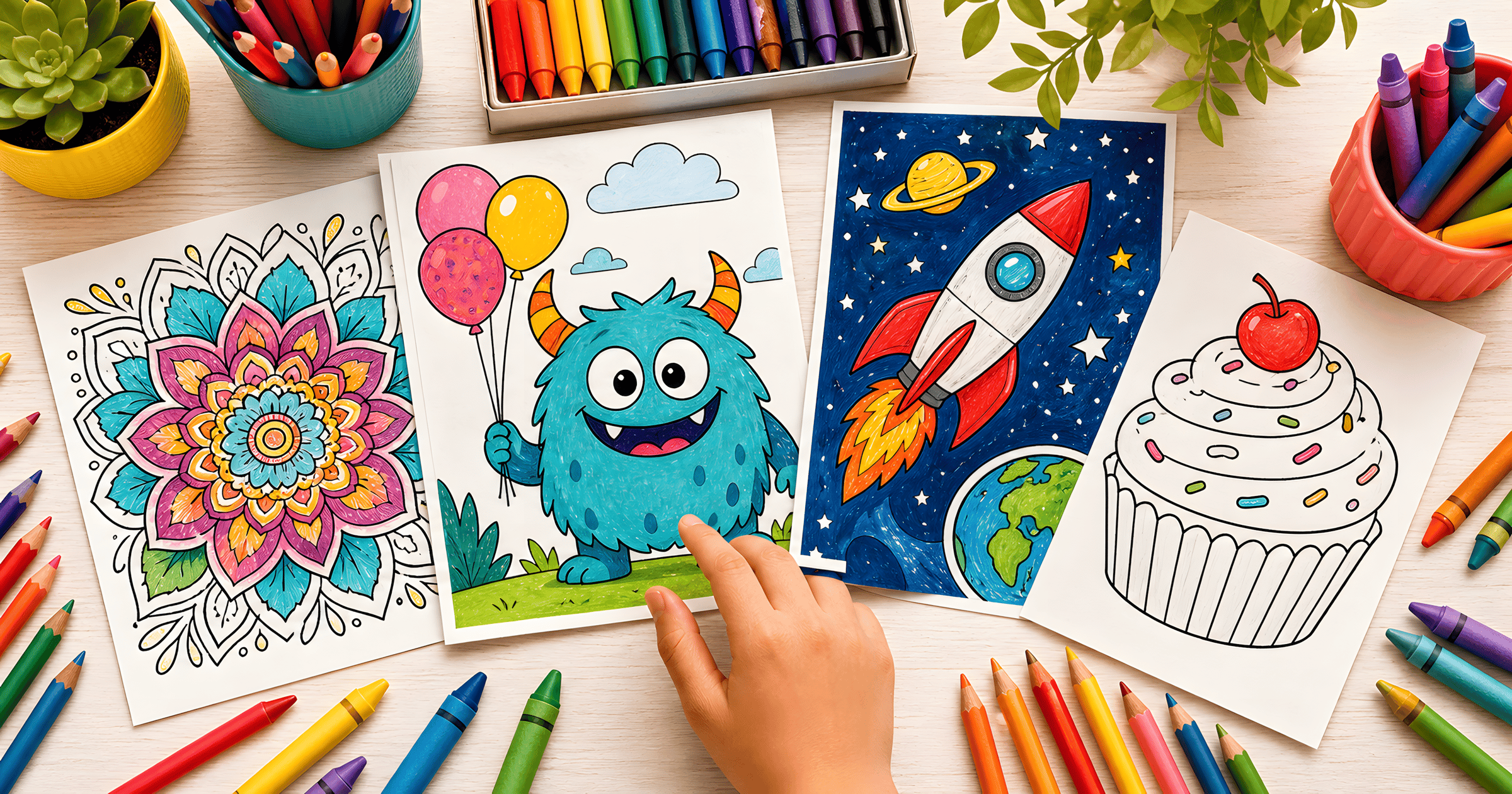
Choose one theme for the week
When every page is different, kids spend more time browsing than coloring.
Pick one weekly theme and keep it simple:
Then offer choice inside the theme. Choice keeps kids engaged; too much choice slows the line.
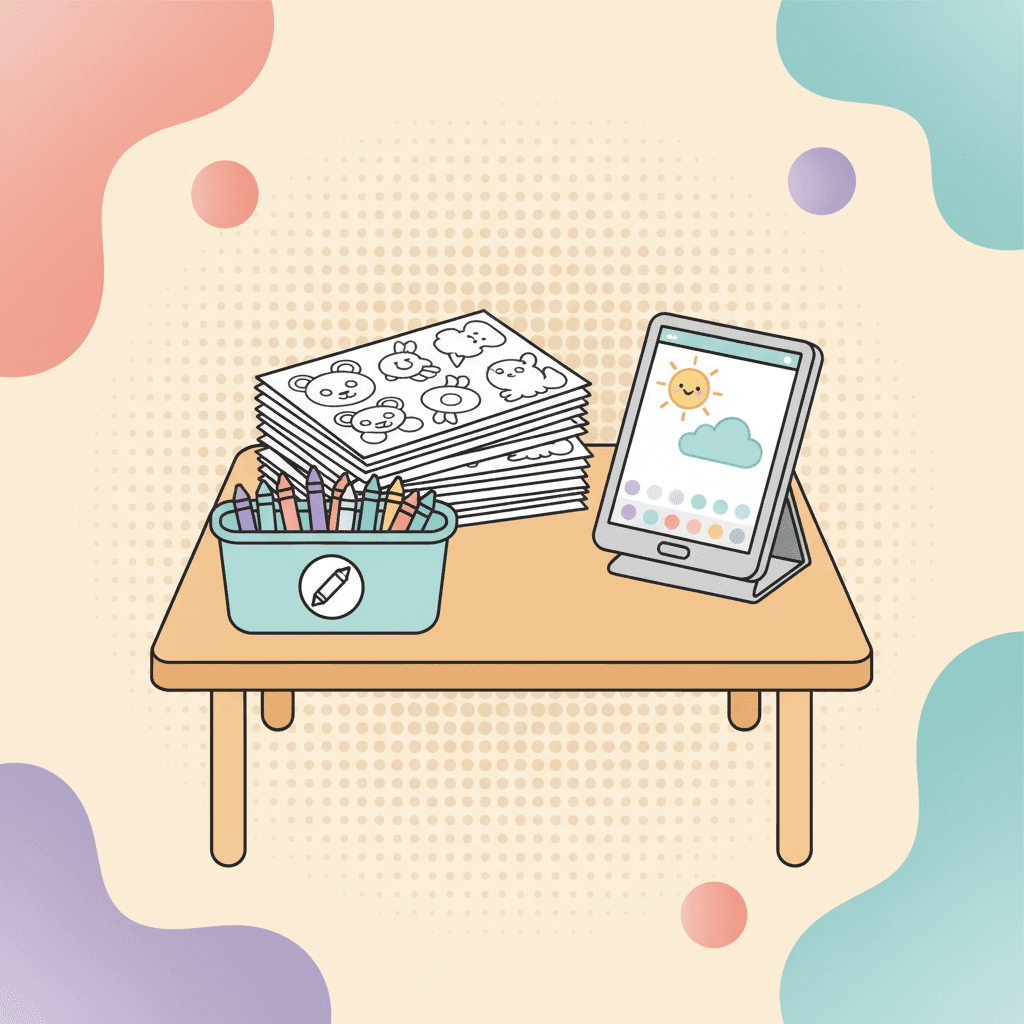
Decide: printable, digital, or both
Printable works well when you want maximum independence. Digital works well when you want zero supply mess.
If you have enough devices, digital can run as a center:
- kid opens a page
- colors for a set time
- saves work
- rotates
If devices are limited, do a hybrid:
- digital station for 1 to 2 kids
- printable station for the rest
If you are unsure, start printable first. You can always add one device later.
Stock the station with fewer supplies
More supplies create more decisions and more cleanup.
Good station kit:
- crayons or colored pencils
- a few markers for special days
- clipboards (or firm folders)
- one bin for everything
If you run printables, add a "finished work" tray so pages do not end up on the floor.
Make the station self-checking
You want students to know what to do without asking.
Post a small "start, during, finish" checklist next to the station:
- Start: pick one page, start the timer.
- During: stay at your spot, keep supplies on the table.
- Finish: name on the back, supplies back in the bin, page in the tray.
That checklist turns the station into a routine.
Post three rules
The rules should fit on one sign.
Try this:
- One page at a time.
- Color for the full timer.
- Put supplies back before you leave.
If you use digital coloring, add one more:
- Save when the timer beeps.
Use time boxes, not negotiations
Set a station timer so you never argue about turns.
- 8 minutes for younger kids
- 10 to 12 minutes for older kids
The timer is the "bad guy," not you.
If your class needs more structure, use rotations:
- 2 students per station
- timer beep means swap
- station stays open for a set block (15 to 25 minutes)
Make reset automatic
Reset needs to take 30 seconds.
Printable reset:
- crayons in the bin
- pages in the tray
- trash in one spot
Digital reset:
- close the page
- wipe the screen
- hand off the device
If you need a quick pick with no browsing, keep this link on a QR code:
Match pages to your students
The page choice is classroom management.
Use these quick cues:
- Pre-K to K: big shapes, fewer regions, one main subject.
- Grades 1 to 2: simple scenes with a few objects.
- Grades 3 to 5: more detail and patterns, but with a clear subject.
If you want a deeper guide for choosing pages by age and skill:
Support different needs without rewriting the station
Small changes help more kids succeed:
- offer one "easy win" page with big regions
- allow a pencil outline first for kids who need planning
- keep noise low and instructions short
If a student uses assistive grips or needs extra time, the timer can be flexible for that student without changing the whole station.
Add one extension for early finishers
Early finishers can either stay calm or start wandering. Give them one extra step that does not create extra work for you.
Pick one:
- background builder: patterns or gradients behind the main subject
- three-color challenge: use only three colors
- story sentence: write one sentence about the picture on the back
If students get stuck on color choices, these palettes help them start faster:
Digital station tips that prevent headaches
If you use devices, small choices reduce interruptions.
- Keep charging cables out of walking paths.
- Use a stylus if you have it; fingers work too.
- Wipe screens between groups if students share devices.
- Teach "save at the beep" as part of the routine.
If you want a simple guide for saving and printing student work:
A simple start for tomorrow
Pick one category, print 10 pages, and post the three rules. Once the routine works, you can rotate themes weekly.