Picking a page should take seconds. If it turns into a debate, the activity starts with frustration.
Use one of these three flows based on how specific your kid's request is.
The goal: pick in under 30 seconds
The trick is reducing decision points. You want one question, one click, and a clear next step.
Use this simple script:
- "Pick a theme."
- "Pick one page."
- "We start when the timer starts."
If you repeat the same script, kids stop treating browsing like a separate activity.
Build a shortlist once, then reuse it
The fastest way to pick pages is not speed; it is reuse. Pick a shortlist you can return to without thinking.
Try these three shortlists:
Calm shortlist:
High-energy shortlist:
Seasonal shortlist:
Shortlists help because the choice is "which shortlist" instead of "which of 200 pages."
Flow 1: pick by category (fastest for most people)
If your kid says, "I want animals," do not search. Go straight to the category.
Start here:
Then pick a theme that matches real kid requests:
Make category picks faster
If you have a few repeat favorites, bookmark them.
Good defaults for most homes and classrooms:
You do not need the perfect category. You need a category that gets you started.
Flow 2: search by a specific idea
Search helps when your kid asks for something specific:
- "a fox"
- "a rocket"
- "a castle"
- "a soccer ball"
Go here:
Tip: use one or two words. Longer phrases often slow you down.
Search tips that work in real life
If your first search is empty, do not keep tweaking it for five minutes. Switch to a category and move on.
Use these patterns:
- one noun: "fox"
- noun + theme: "rocket space"
- noun + mood: "cute bunny"
If your kid is younger, search simpler subjects. If your kid is older, add a second word for specificity.
A teacher-friendly flow for centers and early finishers
Teachers need predictable. This flow keeps the station moving:
- choose one weekly theme category
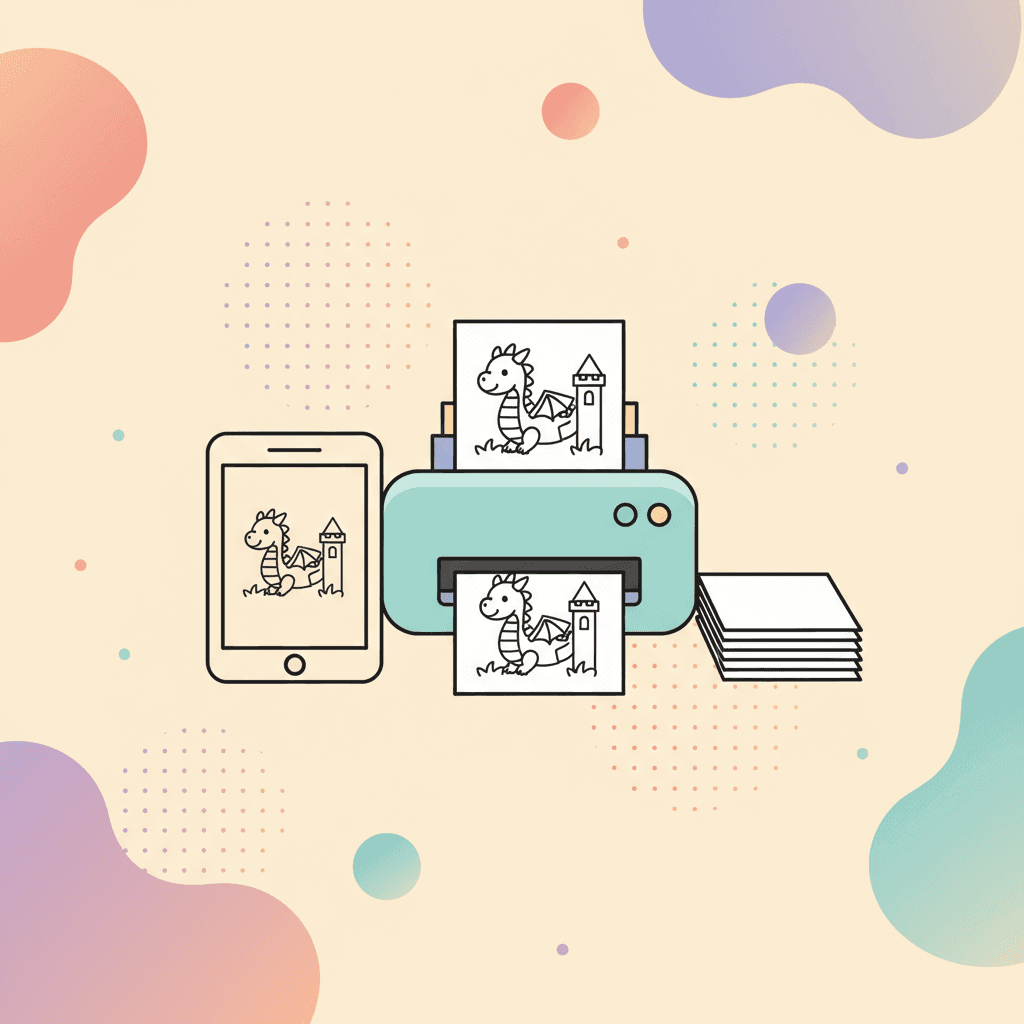
- print a stack from that category
- keep a QR code to the same category for digital stations
If you need printables for a group, print once and store the stack:
- 10 to 20 pages per theme
- a folder labeled by category
- a finish tray so pages do not get lost
If students need a no-choice option, use:
Then use the "one reroll" rule and start the timer.
Flow 3: random page (best for decision fatigue)
When everyone is tired, remove the choice.
Set a short timer and start coloring.
Random works well for:
- early finishers
- transitions before dinner
- sibling disagreements
Make random work without complaints
Give random one rule:
- one reroll, then start
The reroll matters because it gives kids a feeling of control without turning into endless browsing.
If you want a simple routine for starting and stopping, use this:
If the page is too hard (or too easy)
Page difficulty is the fastest way to cause quitting. If a kid quits in under a minute, the page often does not match the skill level.
Use this guide to pick pages that fit:
If you need a reset without switching the page, change the goal:
- color the main subject only
- use a three-color limit
- set a shorter timer (6 minutes)
A simple rule for repeat use
Pick one default flow for your home or classroom:
- category first
- search for requests
- random when choices cause fights
When the flow is stable, kids stop negotiating the browsing step.
If you want a calm way to use screen time, this guide pairs well:
If the browsing step is the problem
Sometimes the issue is not the page. The issue is that browsing became the activity.
Fix it with a timer:
- 30 seconds to choose
- timer ends means the adult chooses
That boundary is fair and repeatable.
When you need a mood match
Kids often ask for a theme, but what they need is a mood.