Not all screen time feels the same. Passive scrolling can turn a kid into a zombie; an active, creative tool can feel closer to building with blocks.
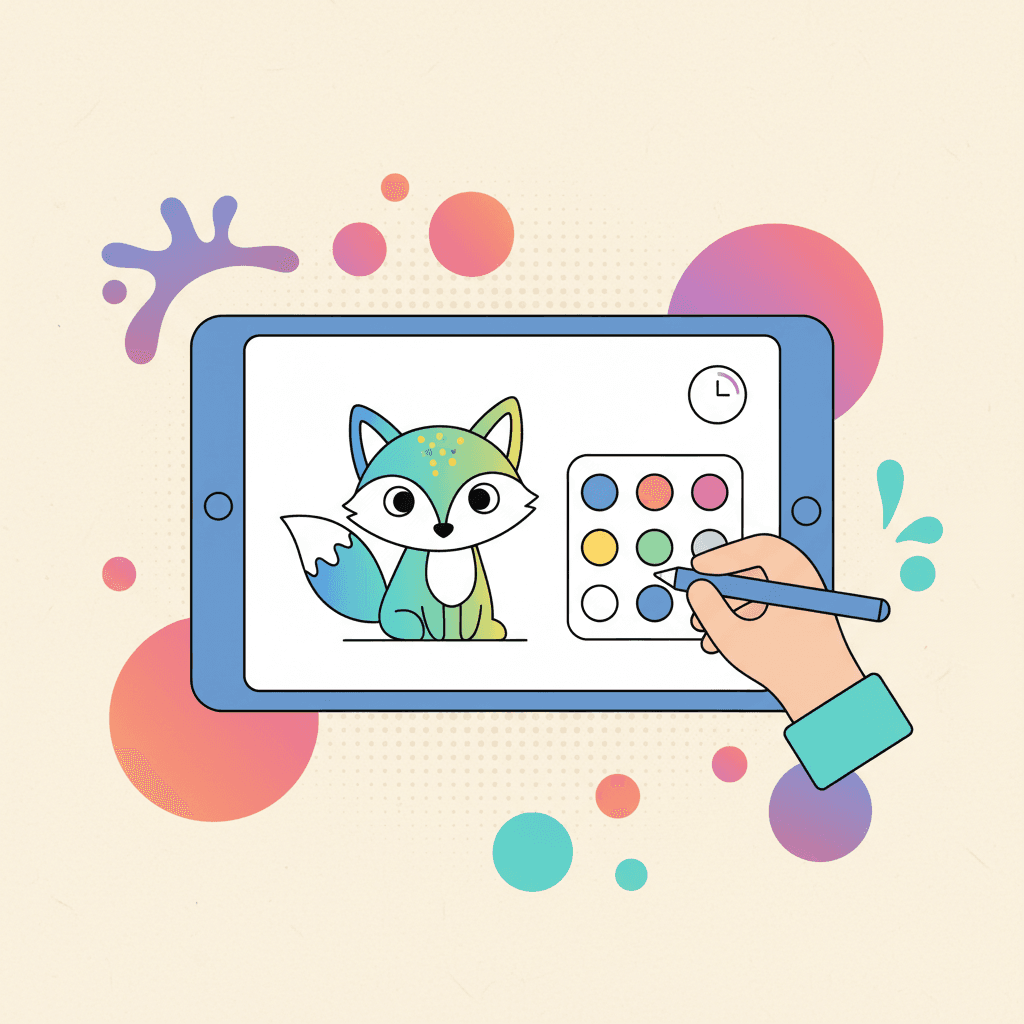
Digital coloring lands in the "active" bucket when you set it up with structure.
What makes screen time feel better
The difference is not the device. The difference is whether your kid is creating or consuming.
Digital coloring tends to feel better when:
- hands are doing something the whole time
- choices stay limited
- there is a clear finish
It feels worse when:
- the activity turns into endless browsing
- a kid cannot stop because there is no endpoint
- the session becomes a power struggle
Give the session a job
If the session has a purpose, stopping gets easier.
Pick one job:
- "Finish the character, then stop."
- "Color the background with three colors."
- "Try a gradient sky."
- "Make a pattern outfit."
Jobs work because they give a natural endpoint.
Keep the choices small
Too many choices leads to quitting.
Try this rule:
- choose one page
- choose three colors
- start coloring
If you want an easy theme-first pick:
If you want a faster way to choose a page, this guide helps:
Use co-play for one minute
You do not need to sit for the whole session.
Start with one minute of co-play:
- ask what they want to color first
- pick the first color together
- say the stop rule once
Then step back. Kids often stay focused longer after a short "start together" moment.
Make stopping predictable
Surprise stops cause fights.
Do this instead:
- set a timer before you start
- give a 1-minute warning
- save the page at the end
Saving matters. When a kid knows the work is not lost, stopping feels fair.
Match the prompt to the age
Prompts work when they fit the kid. These are simple, repeatable, and easy to say.
Ages 3 to 5
- "Fill the biggest shapes first."
- "Pick one color for the sky."
- "Color the main character, then stop."
Good categories for this age range:
Ages 6 to 8
- "Pick three colors and reuse them."
- "Do the background first."
- "Make one thing a surprise color."
Good categories for this age range:
Ages 9+ (and adults)
- "Choose a palette and stick to it."
- "Do shadows with one darker color."
- "Finish one section per session."
Good categories for more detail:
If page difficulty is a recurring problem, use this guide:
Use digital for the moments paper fails
Digital wins in places where paper is hard:
- the car
- the couch
- a restaurant table
- waiting rooms
If you want a quick option with no browsing:
Prevent the common meltdown triggers
Most screen time fights come from the same few triggers.
Choice overload
If your kid keeps switching pages, reduce the choices.
- Pick one category for the week.
- Give one reroll if you use random.
- Start the timer before the first color goes down.
Color regret
If your kid restarts every time a color feels wrong, use a smaller palette.
This guide gives you ready-to-use palettes:
Sibling conflict
If siblings fight over the screen, do not negotiate in the moment.
- Give each kid a turn timer.
- Give each kid their own goal ("background" vs "character").
- Switch to printables when you need parallel play.
Hybrid works well here:
Know what digital coloring can and cannot do
Digital coloring can help a kid:
- practice focus in short bursts
- make choices and follow a simple plan
- create something they feel proud of
Digital coloring cannot replace:
- sleep
- outdoor play
- real conversation
If you treat it like one tool in your day, it stays helpful.
Save progress so stopping is easier
Stopping gets smoother when your kid knows the work is safe.
If you want a clear walkthrough for saving, exporting, and printing:
Keep the boundary simple
When rules get complicated, kids test them. One clear boundary is easier to enforce:
- timer decides when you stop
- saving happens at the end
- the next activity is decided before you close the page
Try a calm 8-minute session today
Pick a theme, set an 8-minute timer, and use one job prompt. If it goes well, repeat the same routine tomorrow.