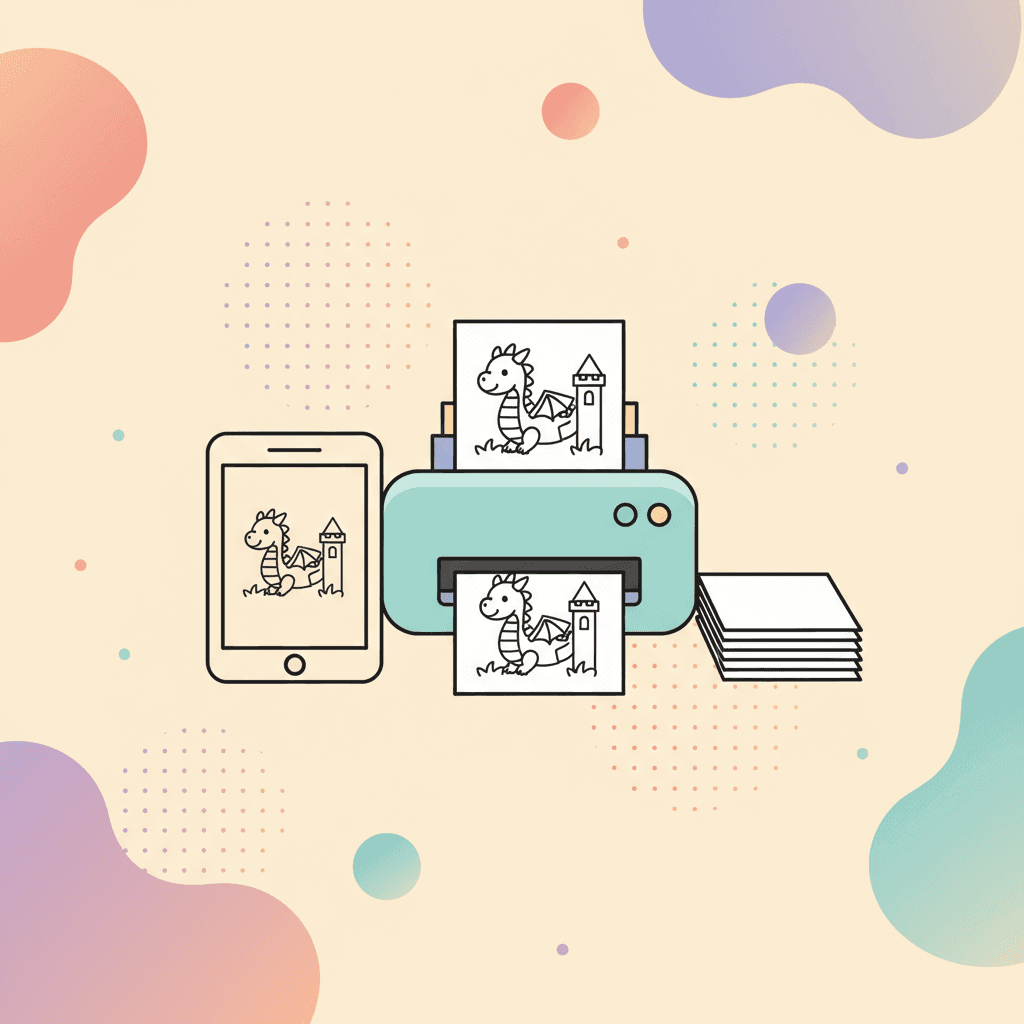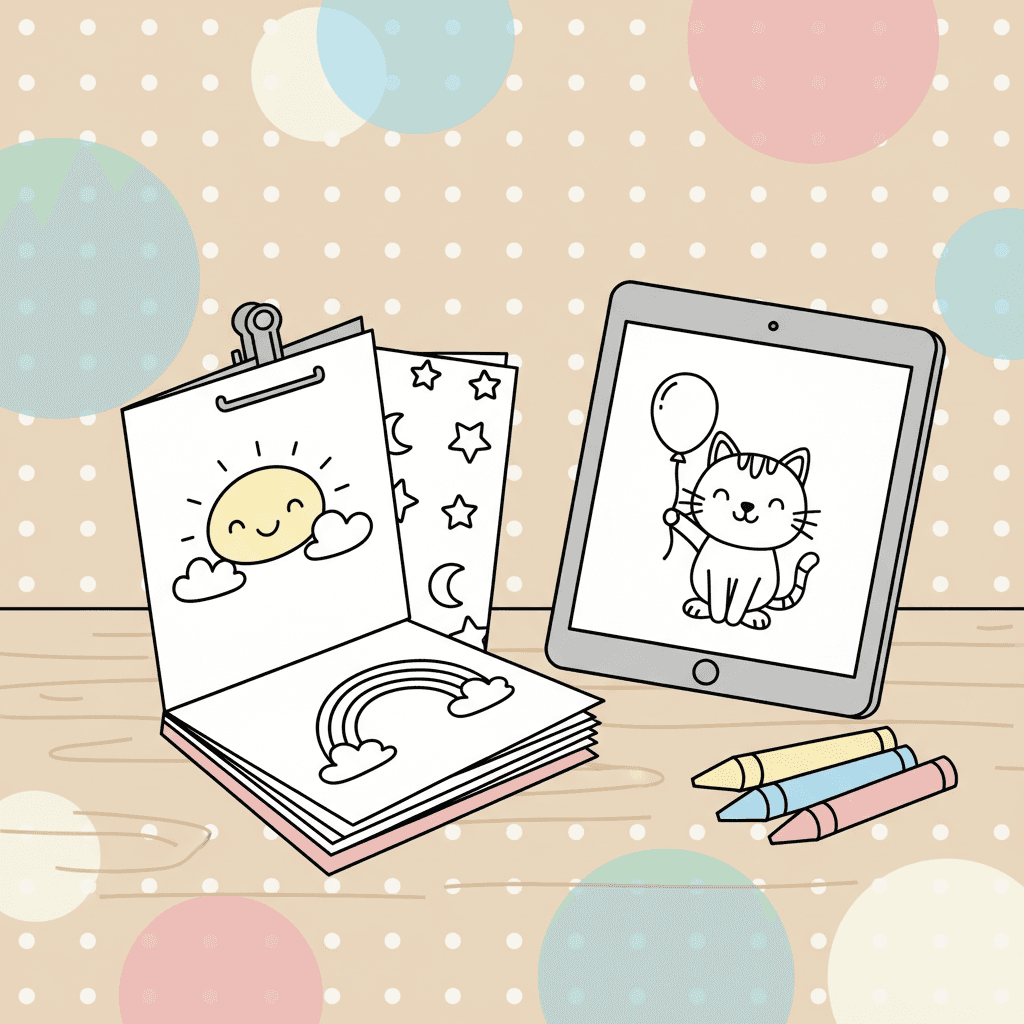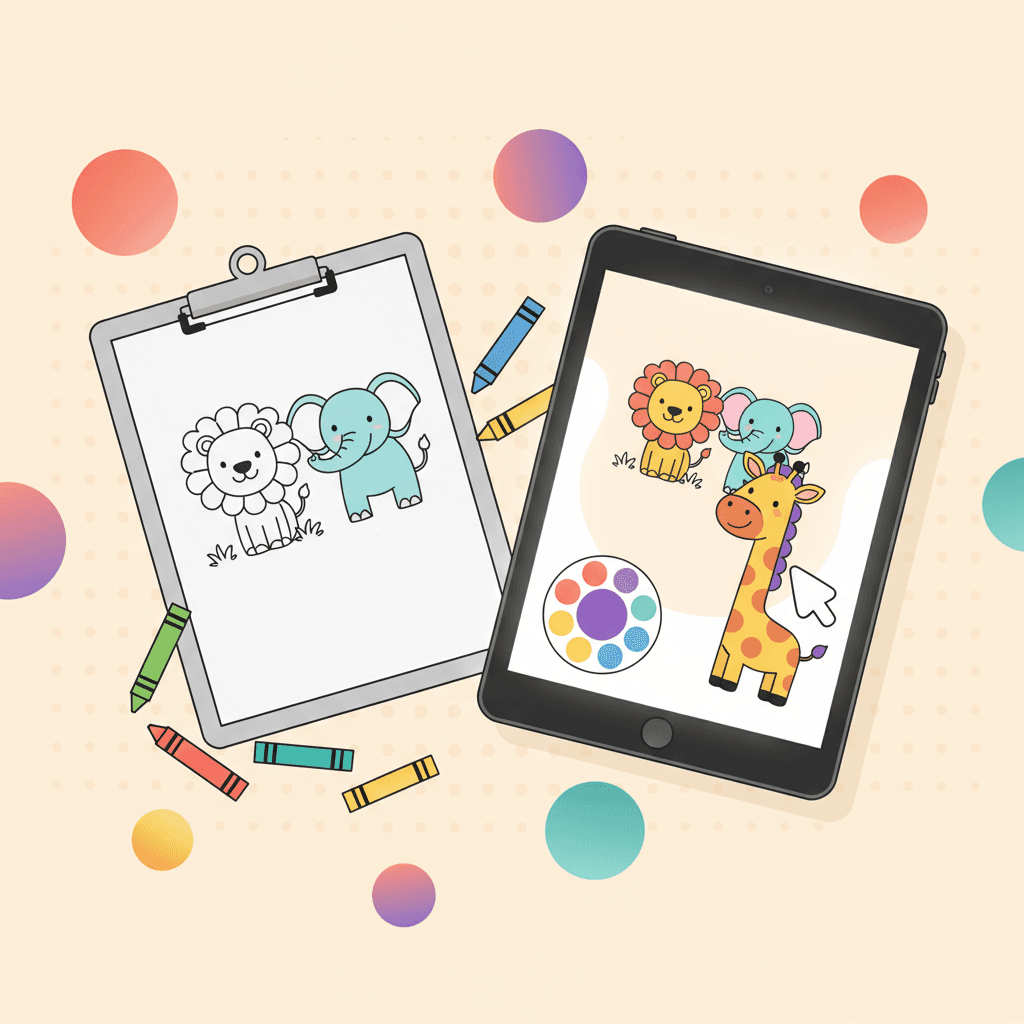
You do not need one format. You need the right format for the moment.
Use this guide to choose quickly, without overthinking it.
The one-minute comparison
Use this when you are deciding in real time.
| If you need... | Choose... | Why it works |
|---|---|---|
| A fast start with no supplies | Online | Tap, pick a color, start. |
| A fully offline activity | Printable | Paper does not need Wi-Fi or battery. |
| Easy sharing with family | Online | Export and send a finished image. |
| A center that scales to 20 kids | Printable | Copies are simple; device rotations are not. |
| Fewer arguments about turns | Printable | One page per kid means fewer conflicts. |
| Undo and do-overs | Online | Mistakes do not end the session. |
Choose online coloring when you need speed
Online coloring wins when you want:
- Fast start: tap a page and color.
- Zero mess: no markers, no cleanup.
- Redo power: undo and try again.
- Easy sharing: save the finished image and send it to family.
Online works well for:
- waiting rooms
- the last 10 minutes before dinner
- quiet time routines
Start here:
A quick online setup that prevents problems
Online coloring is smooth when you remove friction.
- Turn the device brightness down slightly if kids get overstimulated.
- Use full screen so kids do not tap browser buttons.
- Keep one input method (finger or stylus), not a pile of tools.
- Set a timer before you start so stopping is predictable.
If your kid struggles with stopping, use this routine:
Choose printable coloring when you need independence
Printable wins when you want:
- No device fights: one paper per kid.
- Offline reliability: no battery or Wi-Fi problems.
- Classroom simplicity: paper, crayons, done.
- Motor practice: grip, pressure, and controlled strokes.
Printable works well for:
- classrooms and libraries
- long travel days
- mixed-age groups
A quick printable setup that stays tidy
Printing is easy; cleanup is the hard part.
- Print a small stack (6 to 10 pages) instead of one page at a time.
- Keep crayons in one bin so they do not spread across the room.
- Use a clipboard or firm folder so kids can color anywhere.
- Write names on the back before you hand pages out.
If you want a classroom-ready station setup, use this guide:
Use a hybrid plan for the smoothest days
Hybrid means you can switch formats without changing the theme.
Example:
- Start online to pick the page together.
- Print the same theme for table time.
- Save the online version to finish later.
Themes that translate well in both formats:
Choose based on your goal
Format decisions get simpler when you decide what you want the activity to do.
Choose online when the goal is:
- a calm, contained screen-time block
- a fast activity with no prep
- saving progress and finishing later
Choose printable when the goal is:
- independent work without device help
- a group activity where everyone needs a copy
- less screen time today
If you want digital coloring to feel like an active activity, not passive watching:
A quick decision checklist
If you answer "yes" to any of these, print:
- Do you need kids to work independently with minimal help?
- Do you need to avoid screens right now?
- Do you need five copies of the same page?
If you answer "yes" to any of these, go online:
- Do you want a clean, fast activity with no setup?
- Do you want undo, gradients, or patterns?
- Do you want to save and come back later?
Common scenarios (pick the winner fast)
Waiting room or restaurant
Online is usually the winner because paper on a lap is hard.
Classroom center
Printable is usually the winner because it scales.
- Print a theme stack: Dinosaurs or Ocean
- Use a clear finish tray for completed pages
- Rotate supplies as a single bin
Travel day
Hybrid is the winner.
- Printables for long stretches
- Digital backup for messy moments
This packing plan makes it easy:
Rainy day at home
Hybrid is also the winner.
- Online first for a clean start
- Printables later for table time
If you need a full rainy-day plan, use this:
Make printing look clean
If prints look light or fuzzy, fix the basics:
- Use a normal printer setting, not draft mode.
- Choose thicker paper if markers bleed.
- Print at 100% scale so lines stay crisp.
If you need a steady flow of pages, pick a category and build a small stack:
How to save, share, and print finished work
Online coloring becomes more useful when you can keep what you make.
If you want a fast walkthrough for saving progress and printing:
A quick trust check for any coloring page site
Parents and teachers avoid coloring sites because many feel sketchy. Use these signals when you are choosing where to print from:
- Clear navigation and real categories, not a wall of ads.
- No fake download buttons.
- The page looks like a coloring page before you click anything.
If something feels off, switch sites. Trust matters more than convenience.
Try both formats today
Pick a theme your kid already likes, then do one page online and one page on paper. You will learn more from one real session than any advice list.