Printed coloring pages solve one problem and create another. You get offline fun, then you get stacks everywhere.
The fix is not a perfect filing cabinet. The fix is a simple flow that kids can follow.
Use this system to keep pages easy to grab, easy to clean up, and easy to refresh.
The three piles you need
Most homes try to store everything in one place. That turns into a mess because pages are always moving.
Use three piles on purpose:
- inbox: fresh pages ready to use
- in progress: pages kids are still coloring
- finished: pages that are done or ready to keep
If you can name the piles, you can manage them.
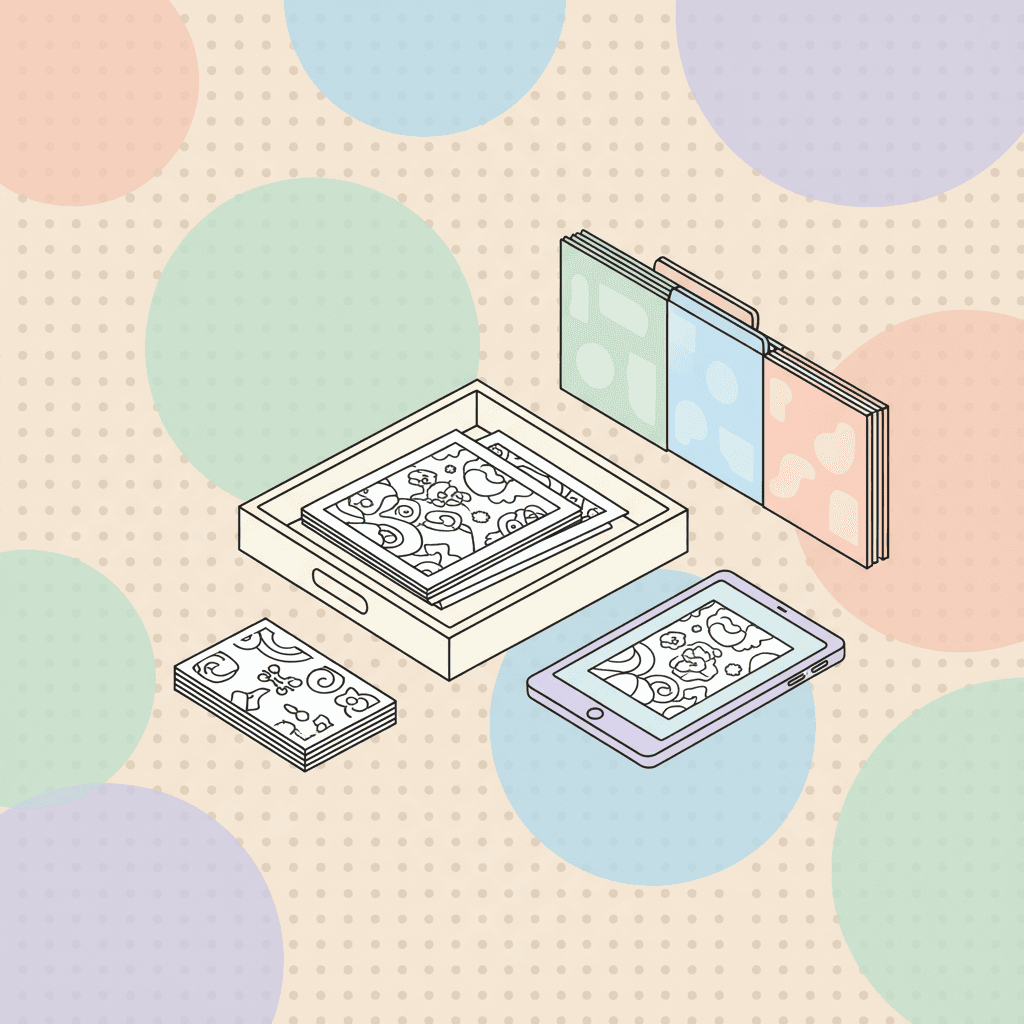
Step 1: set up an "inbox" tray
This is the one tray that should always have pages. Kids should be able to grab a page without asking you.
Inbox tray rules:
- keep 10 to 20 pages in it
- refill once a week
- store the rest out of reach
If you have multiple kids, keep two trays:
- easy tray
- more detail tray
If you want to match pages to age:
Step 2: make in-progress pages easy to find
The biggest mess happens when kids start a page, walk away, then start another page. Suddenly every surface is an in-progress pile.
Fix it with one spot:
- one thin folder per kid
- or one clipboard per kid
Rule:
- if you start a page, it goes back into your folder when you stop
If you want to support stopping without arguments, a timer routine helps:
Step 3: decide what "finished" means in your house
Some kids finish every page. Some kids stop at 70%.
Finished can mean:
- done enough
- colored today
- ready to hang up
Pick one definition and use it. It prevents debates.
Step 4: keep favorites without keeping everything
If you keep every page, storage becomes the problem again. Pick a favorite system you can maintain.
Try one:
- a thin binder with sheet protectors (10 to 20 favorites only)
- a keepsake box for special pages
- a rotating wall display (swap weekly)
If your kid wants to redo favorites, store a clean copy too.
Step 5: refill the inbox with a weekly theme
Themes reduce decision fatigue and reduce fights. They also make printing easier.
Pick one theme category per week:
Print a small stack once a week instead of printing one page at a time.
If you want crisp print settings:
Classroom version: one bin, two stacks, zero drama
If you are organizing pages for a classroom, you need a system students can run.
Try this setup:
- one bin labeled "coloring"
- two folders inside: easy and detail
- one turn-in tray for finished pages
Rules on a card:
- pick one page
- color quietly
- turn in finished pages
- return supplies
If you want a full classroom station plan:
A simple weekly schedule (five minutes)
Use this schedule to keep the tray fresh:
- pick one theme
- print 6 to 10 pages
- add them to the inbox tray
- recycle any pages that are ripped or unused after two weeks
You end up with a steady supply without a huge pile.
What to do with pages kids want to keep digitally
Some kids color on a tablet and still want a "real" copy. That is a good problem.
You can save the work and print it later:
If you want to mix print and digital on the same week:
Add a "grab and go" folder for travel and waiting rooms
If you have a travel bag or a car bag, keep one thin folder inside it. Once a month, move a few fresh pages from your inbox tray into that folder.
This prevents the last-minute scramble when you are leaving the house.
If you want a full travel plan:
If the system fails, make it smaller
If the trays overflow, you are storing too much. Shrink the system until it works.
Try:
- inbox tray holds 10 pages, not 30
- finished binder holds 10 favorites, not 100
- in-progress folder holds 3 pages max
The goal is a system you can keep, not a system that looks perfect once.
Start with one tray and one weekly refill
Set up the inbox tray today. Pick a theme and print a small stack. Then refill once a week.
Start here: